The Invisible Barrier in Your Customer's Living Room
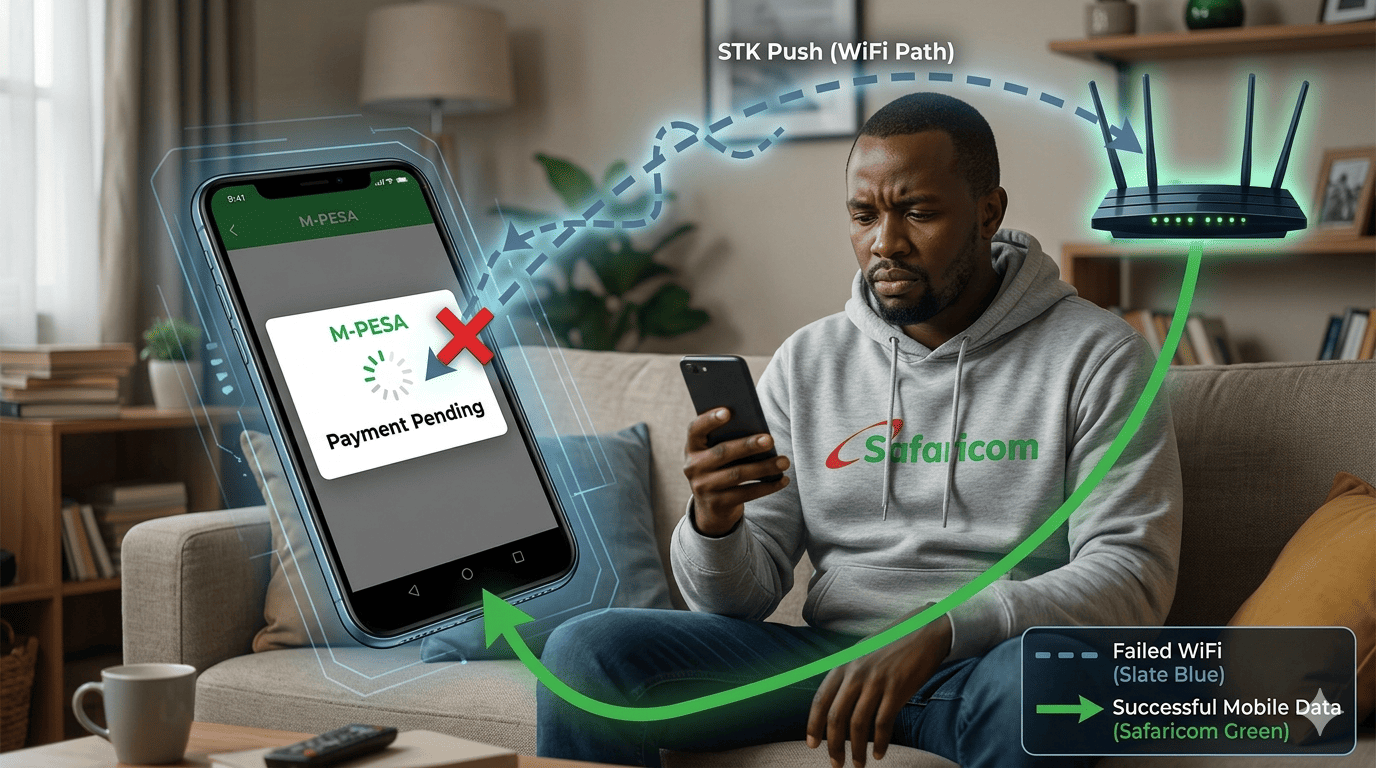
Your customer is at home, connected to their Safaricom Home Fiber WiFi. They browse your store, add a phone to the cart, enter their Safaricom number, and click "Pay." The STK Push... never arrives. They wait. They refresh. They get frustrated and leave. You lose the sale.
This is not a rare glitch. It is a systematic flaw in Safaricom's STK Push infrastructure that affects an estimated 35-40% of transactions initiated on WiFi networks, particularly Safaricom Home and Faiba. At Stonehenge Digital, we've diagnosed the root cause and engineered a bypass.
The Technical Cause: SIP vs. Mobile Data Routing
The STK Push protocol is designed to communicate over the mobile data channel, specifically the carrier's own Access Point Name (APN). When a phone is connected to WiFi, it may still be registered on the Safaricom voice network, but the data channel for the STK Push is routed through the SIP (Session Initiation Protocol) over the WiFi connection. Safaricom's STK gateway does not always reliably deliver the push over this path. The result is a timeout or a silent failure.
The customer sees nothing. The merchant sees a pending order. And no one knows why.
The Stonehenge Digital "Force Mobile Data Handoff" Patch
We implement a three-part solution:
1. Pre-Checkout Data Mode Detection
Our checkout page detects if the user is on a WiFi connection. It displays a subtle, non-intrusive message: "For fastest M-Pesa payment, connect to mobile data if possible. (We've noticed you're on WiFi, which can occasionally delay the STK prompt.)"
2. Deep Link to SIM Tool Kit (For Advanced Users)
If the STK push fails on WiFi, instead of a generic "Failed" message, we provide a fallback: a button that opens a USSD code (*334*sellerpin*amount# if preconfigured) or a deep link to the Safaricom SIM Tool Kit menu. This bypasses the STK network layer entirely and pushes the transaction directly from the phone's SIM card.
3. The 90-Second Poll with Manual Retry
Our system polls the Safaricom API for 90 seconds (longer than the standard 60). Simultaneously, it shows a "Didn't receive the prompt? Retry" button. The retry attempt forces a fresh STK push request, which often succeeds when the network has re-established.
The Revenue Recovered
For a mid-sized Kenyan e-commerce store processing 200 orders a month with an average order value of KES 3,500, a 40% failure rate among WiFi users (assuming 30% of users are on WiFi) translates to roughly 24 lost sales per month, or KES 84,000 in missed revenue.
Don't let Safaricom's network architecture quietly drain your sales pipeline. The technology to fix it exists.
Interested in E-Commerce Website with M-Pesa?
Let's build this for your business
Sell to any Kenyan with a phone. Full online shop with Safaricom STK Push payment — no card needed.