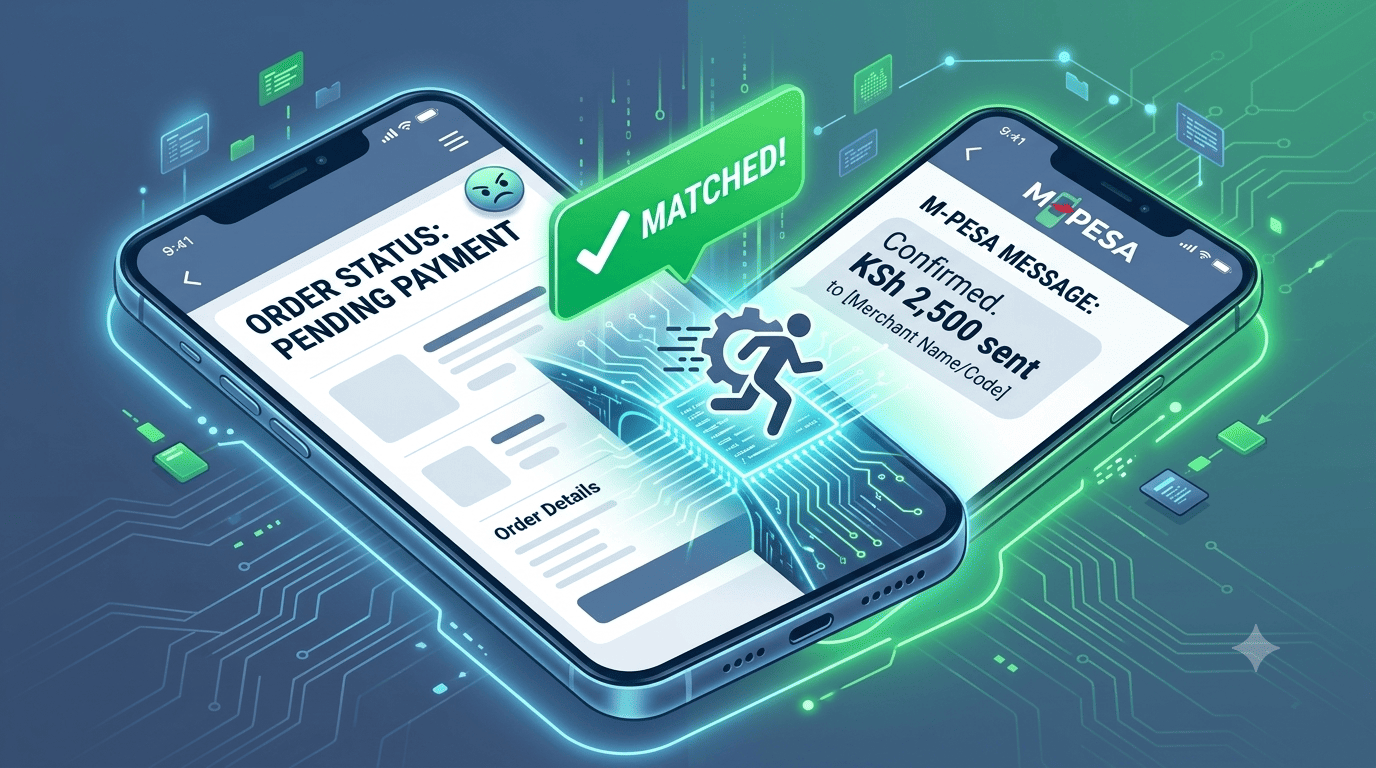
The Phantom Transaction
A customer places an order on your site. The STK Push is sent. They enter their PIN. Safaricom debits their account. You see the money in your M-Pesa Till. But your e-commerce dashboard still shows the order as "Pending Payment." You wait. You refresh. Nothing changes. The order is stuck in limbo.
This is the "Ghost Payment" —a transaction that successfully completed on Safaricom's network but whose confirmation callback failed to reach your server. It's more common than you think, affecting an estimated 3-5% of STK transactions. And it creates a customer service nightmare: the customer has paid, but your system thinks they haven't.
Why Ghost Payments Happen
The STK Push API flow has two parts: (1) the push to the customer's phone, and (2) the callback from Safaricom to your server confirming the payment. If the callback fails—due to a network hiccup, a server timeout, or a Safaricom gateway issue—your system never receives the confirmation. The payment is successful on the customer's side, but invisible to your order management.
The Reconciliation Hack: The "Double-Check" Script
Stonehenge Digital implements a backup verification system that catches these ghost payments within minutes.
Step 1: The Primary Callback
Your system listens for Safaricom's confirmation callback as normal. If received within 60 seconds, the order is marked "Paid." Done.
Step 2: The "Reconciliation Query" (The Hack)
Every 10 minutes, a background script runs that fetches your recent M-Pesa Till transactions (via the Safaricom API account statement endpoint or a secure M-Pesa statement parse). It looks for any incoming payments that match the approximate amount of any "Pending Payment" orders in your dashboard from the last 60 minutes.
Step 3: The Smart Match
The script uses fuzzy matching logic: if a pending order is KSh 2,500, and the M-Pesa statement shows an incoming payment of KSh 2,500 from an unknown number within a 30-minute window, it flags a "Potential Match." A notification appears in your dashboard: "Order #1089 (KSh 2,500) may have been paid. Verify?" You can click "Confirm" to manually mark it as paid and trigger the fulfilment workflow.
Step 4: The Customer Facing Fix
While the script is running, the customer who made the ghost payment sees a message on the order confirmation page: "Payment received? If your M-Pesa was debited but this page hasn't updated, don't worry. Our system checks for pending payments every few minutes. If you paid, your order will be confirmed shortly. Or, tap here to send us a confirmation." This reassures the customer and provides a manual fallback.
Peace of Mind for You and Your Customer
Ghost payments are a technical reality of mobile money. But they don't have to be a customer service crisis. With a reconciliation hack in place, you catch the phantoms before the customer even has to complain.
Interested in E-Commerce Website with M-Pesa?
Let's build this for your business
Sell to any Kenyan with a phone. Full online shop with Safaricom STK Push payment — no card needed.