"Niaje, nmetuma." (Hey, I've sent.)
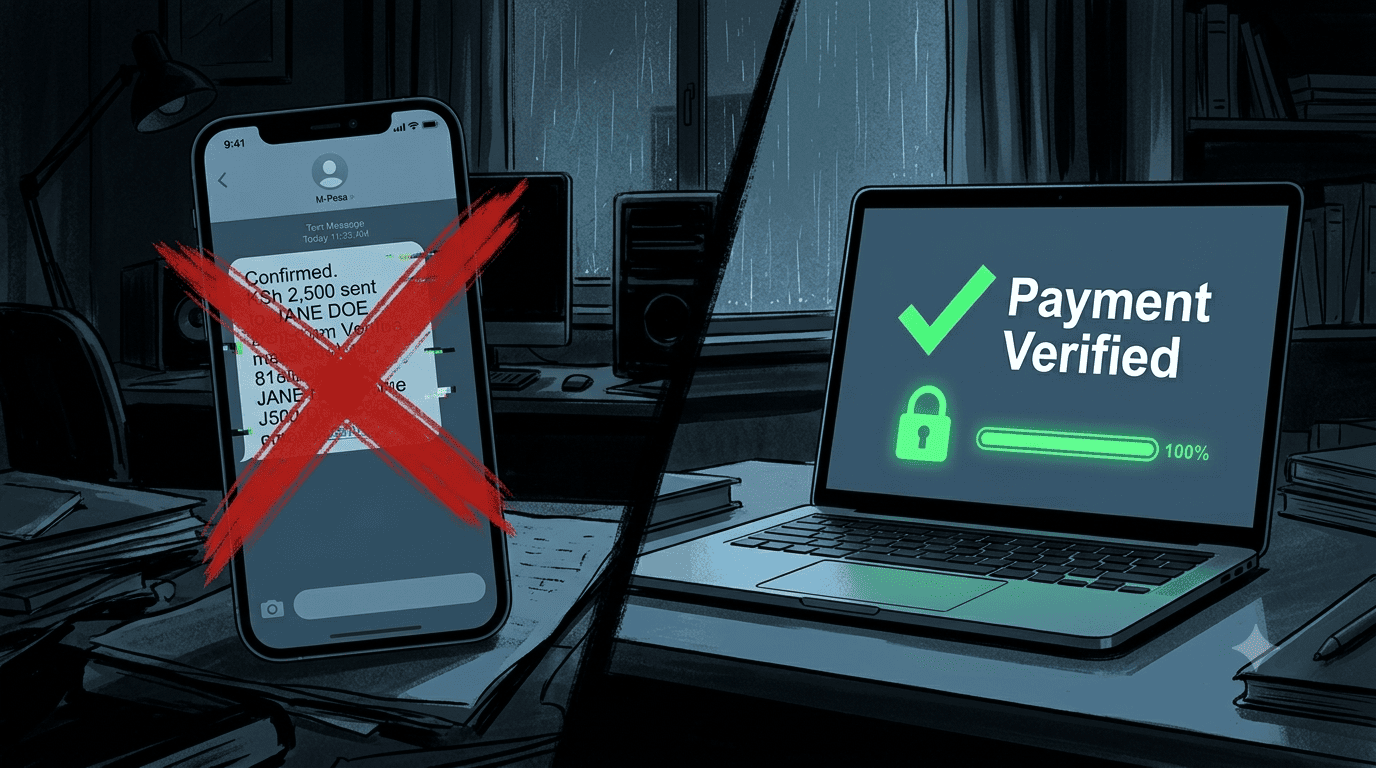
The message lands in your WhatsApp. Attached is a crisp, clear screenshot of an M-Pesa confirmation: "KSh 4,500 sent to Till 987654." It looks perfect. The font is right. The timestamp is recent. You release the goods to the waiting rider.
Hours later, you check your M-Pesa statement. The money isn't there. You've been scammed by a fake M-Pesa confirmation, and the scammers are getting better. With AI-generated images, edited HTML, and even fake SMS apps, the old "just check the font" advice is obsolete.
The Evolution of the Fake Confirmation
- Level 1 (Old School): Badly photoshopped screenshot. Easy to spot by mismatched fonts or timestamps.
- Level 2 (SMS Faker Apps): Apps that generate a fake M-Pesa SMS in your own messaging app. Looks 100% real on the scammer's phone, but can't be verified by you because it's a screenshot of their app.
- Level 3 (AI-Generated Images): Using AI tools to generate a perfect, original-looking M-Pesa confirmation message that has no digital editing artefacts. Extremely hard to distinguish from a real one by eye.
The Only Verification Method That Works: The SMS Verification Link
Never trust a screenshot. Never. The only reliable, affordable, and non-embarrassing verification method is an automated SMS verification link that you send to the customer at the moment of their claimed payment.
How It Works:
- The customer claims they've paid. Instead of asking for a screenshot, you say: "Sawa, let me send you a verification link."
- Your dashboard (or simple automated system) sends an SMS to the customer's M-Pesa registered number: "Click this link to verify your payment of KSh 4,500: [unique link]. If you did not make this payment, ignore this message."
- The link points to a Stonehenge Digital verification page that checks your M-Pesa account statement via API in real-time for a transaction matching that amount from that number within the last 5 minutes.
- If the payment is found, the page displays a green confirmation: "Payment Verified. Your order is being processed." Your dashboard automatically updates the order to "Paid."
- If not found, the page displays a polite message: "We could not verify this payment yet. Please ensure the transaction was completed and try again, or contact us for assistance." The scammer is busted without confrontation.
Why This Works
The scammer cannot fake a verification page that checks your real M-Pesa statement. The link is sent to the M-Pesa registered number, which the scammer may not control. Even if they do, they can't manufacture a matching transaction in your till. The verification is objective, automated, and removes the emotional confrontation of accusing someone of scamming.
Stop playing screenshot detective. Automate your verification and protect your business from the evolving scam.
Interested in E-Commerce Website with M-Pesa?
Let's build this for your business
Sell to any Kenyan with a phone. Full online shop with Safaricom STK Push payment — no card needed.