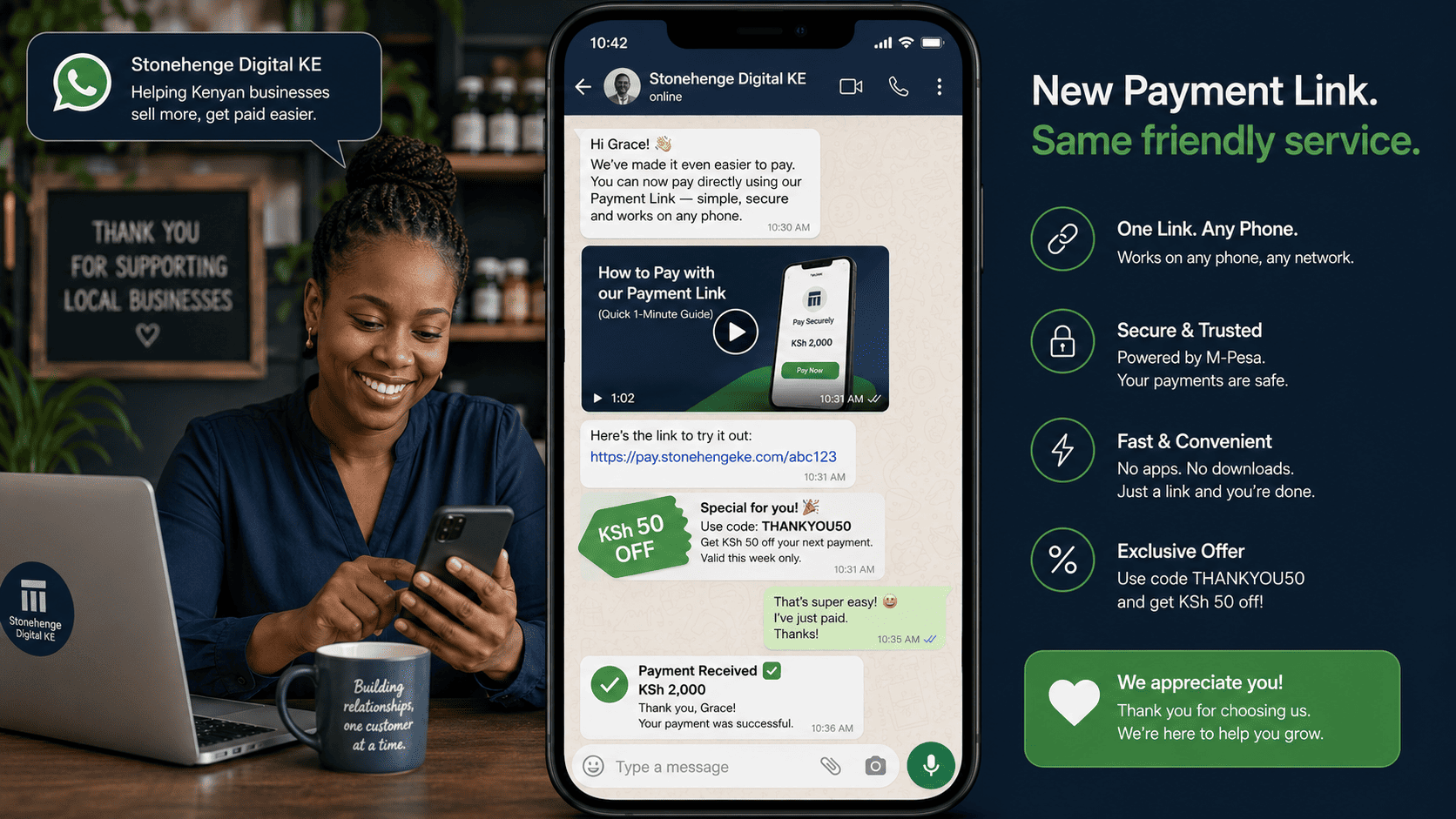
Breaking the "Till Number" Habit
For years, the default Kenyan online payment instruction was "Tuma kwa hii namba" (Send to this number). Your customers are used to sending money to a Till number, screenshotting, and waiting for confirmation. Moving them to a new automated STK link can feel disruptive—some may resist or be suspicious of the unfamiliar.
The shift from manual Till to automated payment link is not just a technical change; it's a culture shift. And like any cultural change, it requires education, reassurance, and incentives.
How to Guide Your Customers Through the Shift
1. Explain the Benefit to Them (Not Just to You)
Don't say: "We're automating our reconciliation." Say: "Pay faster and get instant confirmation—no more waiting for us to verify your screenshot. Try our new secure payment link!" Frame it as an upgrade for them.
2. Use a "Transition Period" Where Both Methods Work
For the first 2-4 weeks, allow both the Till number and the new STK link. Place the STK link prominently and the Till number as a secondary option: "Prefer the old way? You can still use our Till number, but the new link is faster and safer." Gradually phase out the Till number.
3. Provide Simple, Visual Instructions
Create a short video or a set of images showing exactly how the new link works: click, enter M-Pesa number, receive prompt, enter PIN, done. Post this on your WhatsApp status, social media, and website checkout page.
4. Incentivise the New Method
Offer a small discount for using the STK link: "Use our new secure checkout and get KSh 50 off your first order!" This encourages trial and builds positive association.
The Long-Term Win
Once your customers get used to the automated link, they'll prefer it. The instant confirmation, the cleaner receipt, and the saved time are benefits they'll appreciate. You'll also dramatically reduce your reconciliation workload and improve your data quality.
Don't just switch systems. Guide your customers through the change, and they'll thank you for it.
Interested in E-Commerce Website with M-Pesa?
Let's build this for your business
Sell to any Kenyan with a phone. Full online shop with Safaricom STK Push payment — no card needed.