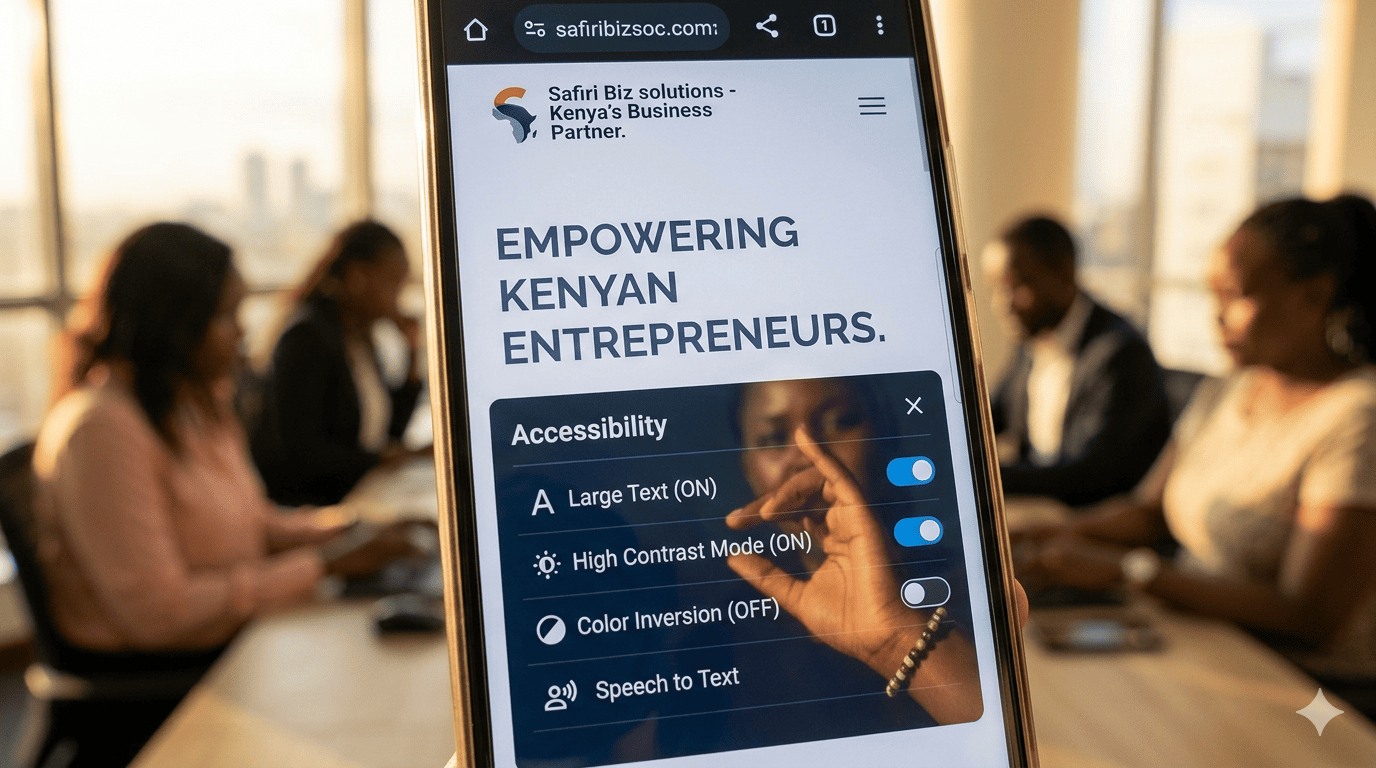
The Forgotten 900,000+ Customers
According to the Kenya National Bureau of Statistics, over 900,000 Kenyans live with some form of disability. That's a population larger than the entire city of Kisumu. Yet, when was the last time you thought about whether a person using a screen reader or someone with color blindness could use your website?
Ignoring accessibility isn't just a moral oversight—it's a business oversight and increasingly, a legal one under the Persons with Disabilities Act. Here's how to make your Kenyan SME website inclusive without breaking the bank.
What Is Web Accessibility?
Web accessibility means ensuring that people with visual, auditory, motor, or cognitive disabilities can perceive, understand, navigate, and interact with your website.
- Visual: Color blindness, low vision, blindness (using screen readers).
- Motor: Difficulty using a mouse (relying on keyboard navigation).
- Auditory: Hard of hearing (needing captions for videos).
Five Low-Cost, High-Impact Fixes for Kenyan Websites
1. Color Contrast (The Quickest Win)
Light gray text on a white background is unreadable for many older users and those with low vision. Use a free tool like WebAIM's Contrast Checker. Ensure your text has a contrast ratio of at least 4.5:1 against the background.
- Fix: Darken your body text from
#CCCCCCto#333333.
2. Alt Text for Images (The Screen Reader's Eyes)
Every image on your site should have an "Alt Text" description. This allows a blind user's screen reader to say: "Image: Kenyan business owner shaking hands with client in office."
- Fix: In your CMS, fill out the "Alt Text" field. Don't leave it blank. Don't stuff it with keywords.
3. Keyboard Navigation (For Motor Disabilities)
Can a user press the "Tab" key on their keyboard to move through your menu and links? Can they press "Enter" to click a button? If not, you're excluding users who can't use a mouse.
- Fix: Test your site without a mouse. If you can't reach the "Contact" button, your developer needs to fix the "focus states."
4. Video Captions (The Deaf Community)
If you have an explainer video on your homepage (highly recommended!), add closed captions. It helps the deaf and hard of hearing, and it also helps people watching in a noisy matatu or a quiet office without headphones.
5. Clear Link Descriptions
Avoid "Click Here." Screen readers read links out of context. A page full of "Click Here" links sounds like gibberish.
- Bad: "To view our portfolio, click here."
- Good: "View our portfolio of Kenyan architecture projects."
The Business Case: The Purple Pound (or Shilling)
In the UK, the spending power of disabled people and their households is called the "Purple Pound." It's worth billions. In Kenya, this market is vastly underserved. By making your site accessible, you are not just being kind; you are opening your business to a loyal, underserved customer base that talks. If a PWD customer has a good experience with you, they will tell their entire community network.
Accessibility is not a feature. It's good business hygiene.
Interested in Portfolio & Organisational Website?
Let's build this for your business
A professional, mobile-first website that makes your business look credible and gets found on Google.