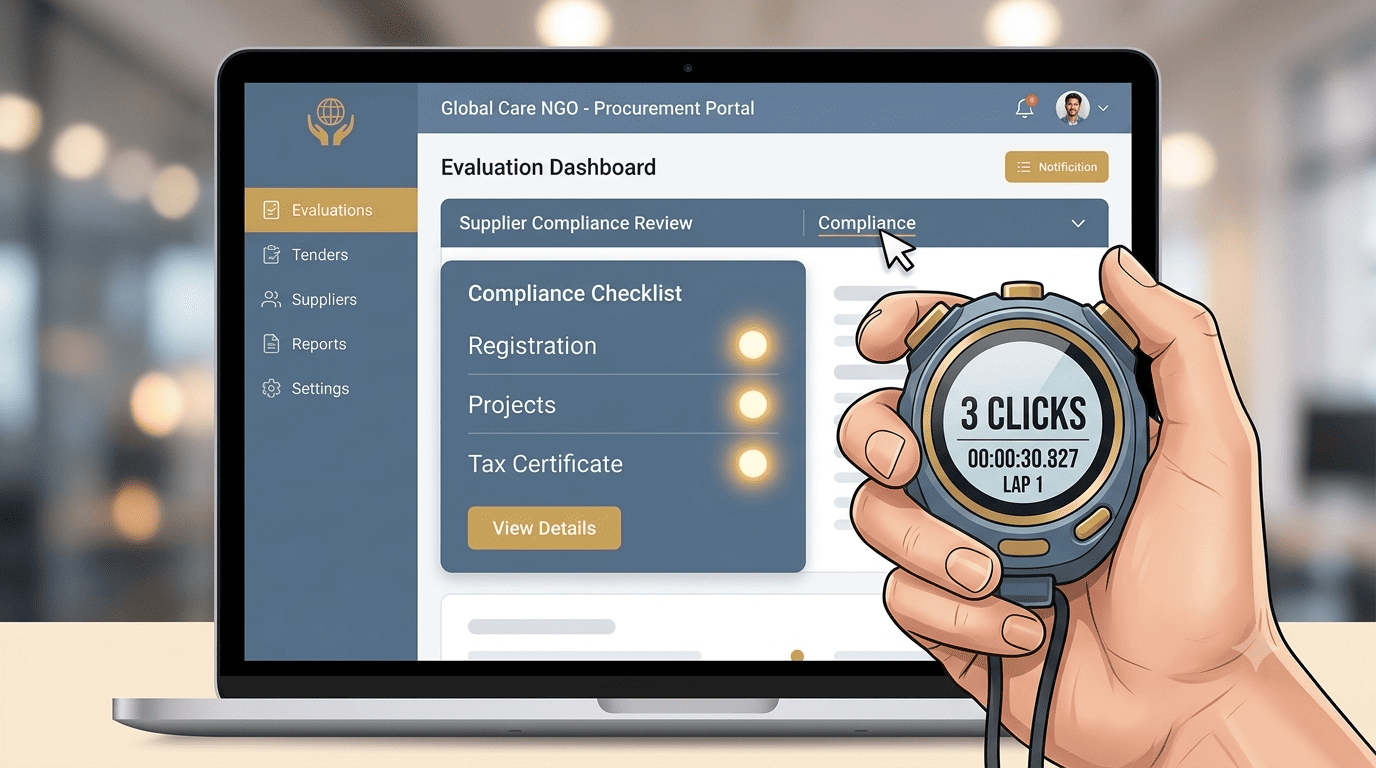
The Hidden Test You're Failing
An NGO procurement officer in Nairobi is evaluating 15 potential suppliers for a KSh 10M project. She opens your website. She needs to find three things immediately: your company registration details, your past project experience, and your tax compliance status.
If it takes her more than three clicks to find any one of these, she closes your tab and moves to the next bidder. This is the unspoken "3-Click Rule" of NGO procurement. It is not a formal policy; it is a survival mechanism.
Hiding Credentials
- Registration details buried in a PDF
- Portfolio is just an image gallery
- Tax compliance requires an email
- Evaluator has to search or guess
- Tab closed, bid lost
Built for Procurement
- KRA PIN in the global footer
- Clear "Capability" menu dropdown
- One-click PDF download
- Evaluator finds everything instantly
- Shortlisted for the next stage
The three things they are looking for
When you have a pile of tenders to evaluate, you reward the suppliers who make your job easy. You punish those who hide their credentials behind pretty but useless pages.
Company Registration & KRA PIN
The procurement officer wants to open your site and see your registration number and KRA PIN. Ideally in the footer or on a dedicated "Compliance" page linked from the main menu. If she has to search or email you to ask, you have failed.
Relevant Project Experience
She needs a page that lists past projects with clear details: client, value, duration, scope. Ideally, a PDF download of a capability statement. If your "Portfolio" page is just an image gallery with no text context, she cannot plug it into her evaluation matrix.
Tax Compliance Certificate
A current Tax Compliance Certificate, or at least a statement of your eTIMS integration. Many NGOs will disqualify you automatically if they cannot verify your tax compliance online. A dedicated "Compliance" page is the third click.
How to pass the 3-click test
Three structural changes to your website that will instantly make you a preferred supplier.
The Compliance Footer
Put your registration number and KRA PIN in the global footer of your site. That is zero clicks. It is visible on every single page, instantly proving you are a legitimate, registered entity.
The Mega-Menu "Capability" Dropdown
Under a main menu item called "Our Work" or "Capability," have three distinct sub-items so the evaluator does not have to dig.
The three sub-items "Project Portfolio," "Client List," and "Compliance & Certifications." Two clicks to any of these.The Downloadable Capability Statement
On the "Compliance" page, have a prominent button: "Download Full Pre-Qualification Document (PDF)." This single PDF should contain your registration, KRA PIN, key projects, team bios, and tax compliance.
The result The procurement officer downloads it, attaches it to her evaluation, and moves you to the shortlist.Don't make them work
Every Extra Click is a Chance to Lose the Tender
Procurement officers are not browsing for fun. They are working under a deadline with 15 other suppliers to evaluate. Optimise your site for their workflow, not your internal org chart. Pass the 3-Click Test, and you will find yourself on more shortlists.
A pretty website that hides your compliance documents is a useless website. In the NGO and government space, clarity and speed of information are the ultimate trust signals.
Put your registration in the footer, your projects in a menu, and your compliance in a downloadable PDF.
Ready to pass the 3-Click Test?
Stonehenge Digital builds procurement-ready websites with global compliance footers, capability menus, and downloadable pre-qualification packs designed for evaluators.
Optimise My Site for Procurement →Interested in Portfolio & Organisational Website?
Let's build this for your business
A professional, mobile-first website that makes your business look credible and gets found on Google.