The Daily Discrepancy That Drives You Crazy
Every evening, you check your sales records: KSh 12,500 in total sales today. Then you check your M-Pesa Till balance: KSh 11,700. There's KSh 800 missing. Every day, a different number. You spend 30 minutes trying to figure out why. Sometimes you find it (a reversal, a Fuliza deduction, a personal airtime purchase). Often you don't. You just shrug and absorb the loss.
This is the "Float Sink" —the daily, unexplained discrepancy between your recorded sales and your actual M-Pesa balance. Over a month, it can add up to KSh 15,000 or more in unaccounted losses. A Business Management Dashboard with auto-reconciliation can close this sink for good.
What Causes the Float Sink?
- M-Pesa Reversals: A customer's Fuliza limit was breached, so Safaricom reversed the transaction. You didn't notice.
- Automatic Deductions: Safaricom deducts Fuliza repayments, loan instalments, or subscription fees directly from your Till.
- Personal Use: You (or a staff member) used the Till to buy airtime or send money for personal reasons. It wasn't recorded as an expense.
- Float Used for Change: A customer paid in cash, and you gave them M-Pesa change? The cash came in, the M-Pesa went out. This is often not logged.
How the Dashboard Auto-Reconciliation Works
Step 1: Auto-Fetch the M-Pesa Statement
Your dashboard connects to the Safaricom API and fetches your Till's daily transaction log (with your permission and secure credentials).
Step 2: Auto-Match Sales to M-Pesa Entries
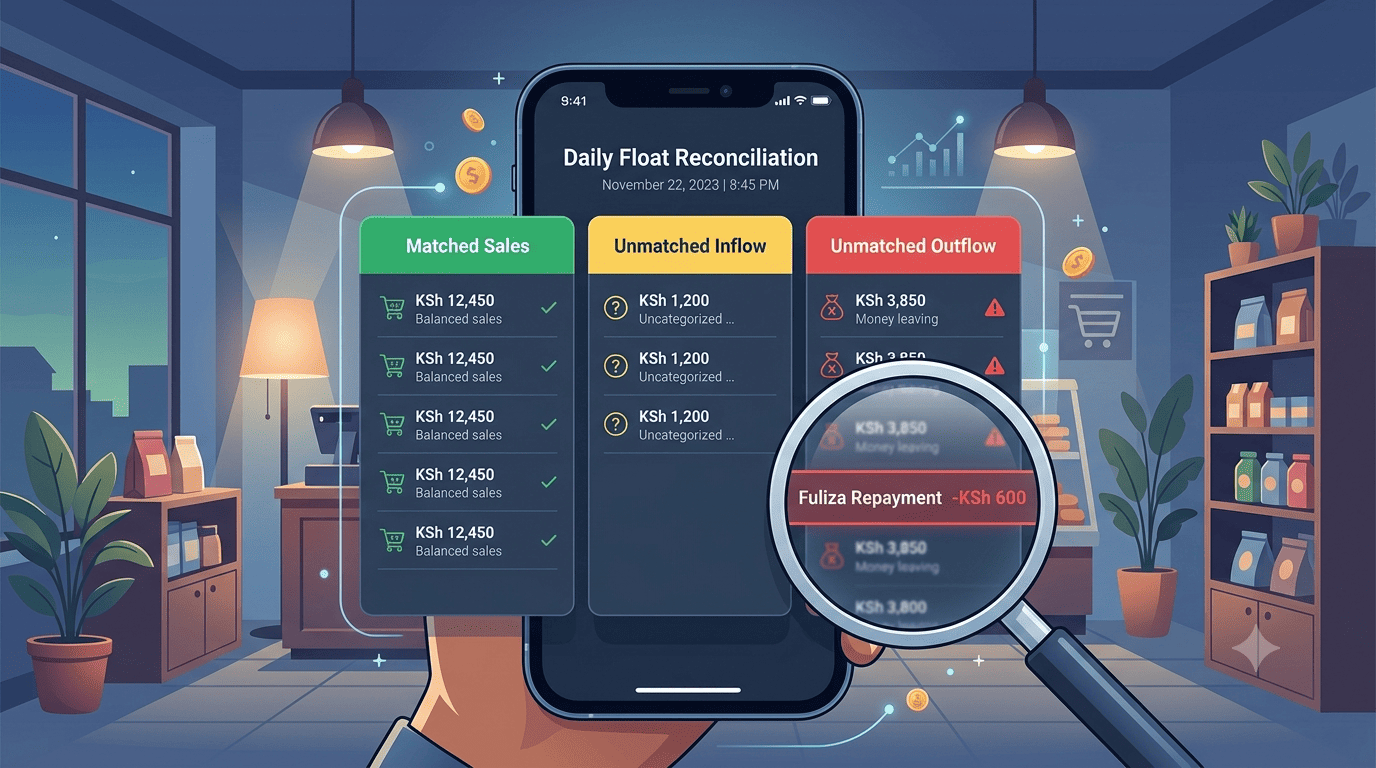
The dashboard matches every Till inflow against a recorded sale in your POS. Matched items are green. Unmatched items are flagged in yellow. Outflows (deductions, reversals) are flagged in red.
Step 3: The "Unmatched" Review Screen
Every evening, you open a single screen: "Daily Float Reconciliation." It shows:
- Total Sales Recorded: KSh 12,500
- Total M-Pesa Inflows: KSh 12,100
- Unmatched Inflows: +KSh 200 (a customer paid but you didn't record the sale?)
- Unmatched Outflows: -KSh 600 (a Fuliza repayment you forgot about, a staff airtime purchase)
- Net Discrepancy: -KSh 400
You review the unmatched items. You categorise them: "Bank Deduction," "Staff Airtime – to be reimbursed," "Reversal – follow up with customer." The dashboard updates your cash position automatically.
The Sink Is Sealed
Now you know exactly where every KSh 500 went. No more mysterious disappearances. No more shrugging. Your float is reconciled daily, accurately, in under 10 minutes.
Stop guessing where your money went. Let the dashboard show you.
Interested in Business Management System?
Let's build this for your business
Replace spreadsheets, paper records, and WhatsApp chaos with a custom system built for exactly how your business works.