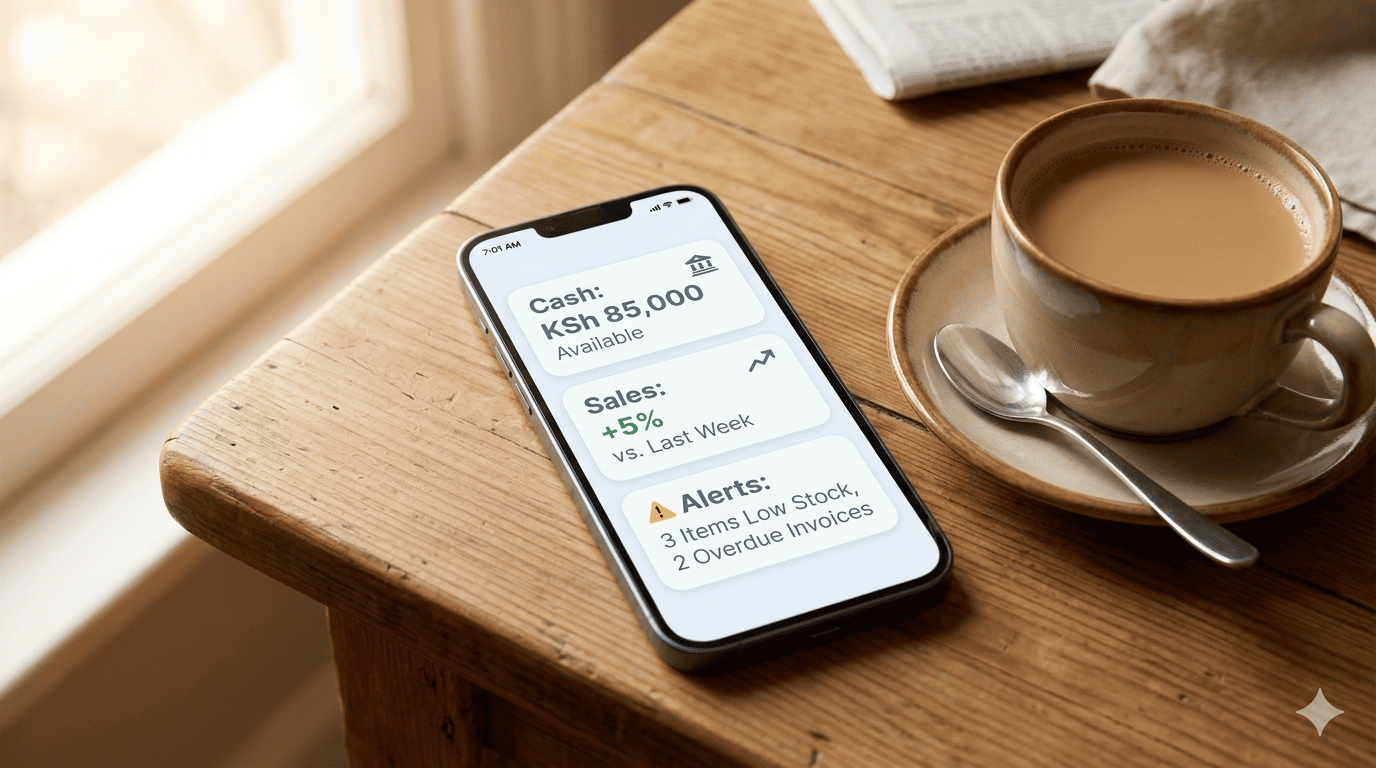
Start Your Week With a Command Center, Not a Crisis
Most Kenyan SME owners start Monday by checking their M-Pesa balance and dealing with whatever fire is burning. It's reactive. It's stressful. And it often means you're working on the wrong things.
What if every Monday at 7 AM, your phone buzzed with three simple reports that gave you a complete, 60-second snapshot of your business health? No logging in, no sifting through data—just the numbers that matter, delivered to your WhatsApp.
Here are the three reports, and how to set them to auto-generate from your Stonehenge Digital dashboard.
Report 1: The "Cash Command" Report
What it shows: Total Cash Position = M-Pesa Till Balance + Pochi Balance + Bank Account Balance – Pending Payables (due this week).
Why you need it: This single number tells you if you can pay salaries on Friday, or if you need to collect debtors urgently. It's your weekly financial heartbeat.
Report 2: The "Sales Pulse" Report
What it shows: Last week's total sales, compared to the previous week, and compared to the same week last year. Plus, the top 3 selling products and the bottom 3 slow-movers.
Why you need it: You see trends instantly. "Oh, rains reduced sales by 20% last week—we need a promo." Or, "Product X is suddenly a slow-mover—should we discount it before it becomes dead stock?"
Report 3: The "Operations Alert" Report
What it shows: A simple list of urgent actions:
- Inventory: 3 items below reorder point.
- Receivables: 2 clients overdue by 30+ days.
- Compliance: 1 staff training certification expiring this month.
Why you need it: This focuses your Monday on the three most critical actions, instead of the usual busywork.
How to Set Up Auto-Delivery
In your Stonehenge Dashboard settings, go to "Scheduled Reports." For each report:
- Select the report type (Cash, Sales, Ops Alert).
- Choose the delivery time (Monday, 7:00 AM).
- Choose the delivery channel (WhatsApp, Email, or both).
- Enter the recipient numbers/emails (you, your manager, your accountant).
- Click "Activate."
That's it. Every Monday, the reports arrive while you're having your morning chai. You read them in 60 seconds. You know exactly what needs your attention. Your week begins with clarity, not chaos.
Interested in Business Management System?
Let's build this for your business
Replace spreadsheets, paper records, and WhatsApp chaos with a custom system built for exactly how your business works.