The Network Limitation You're Ignoring
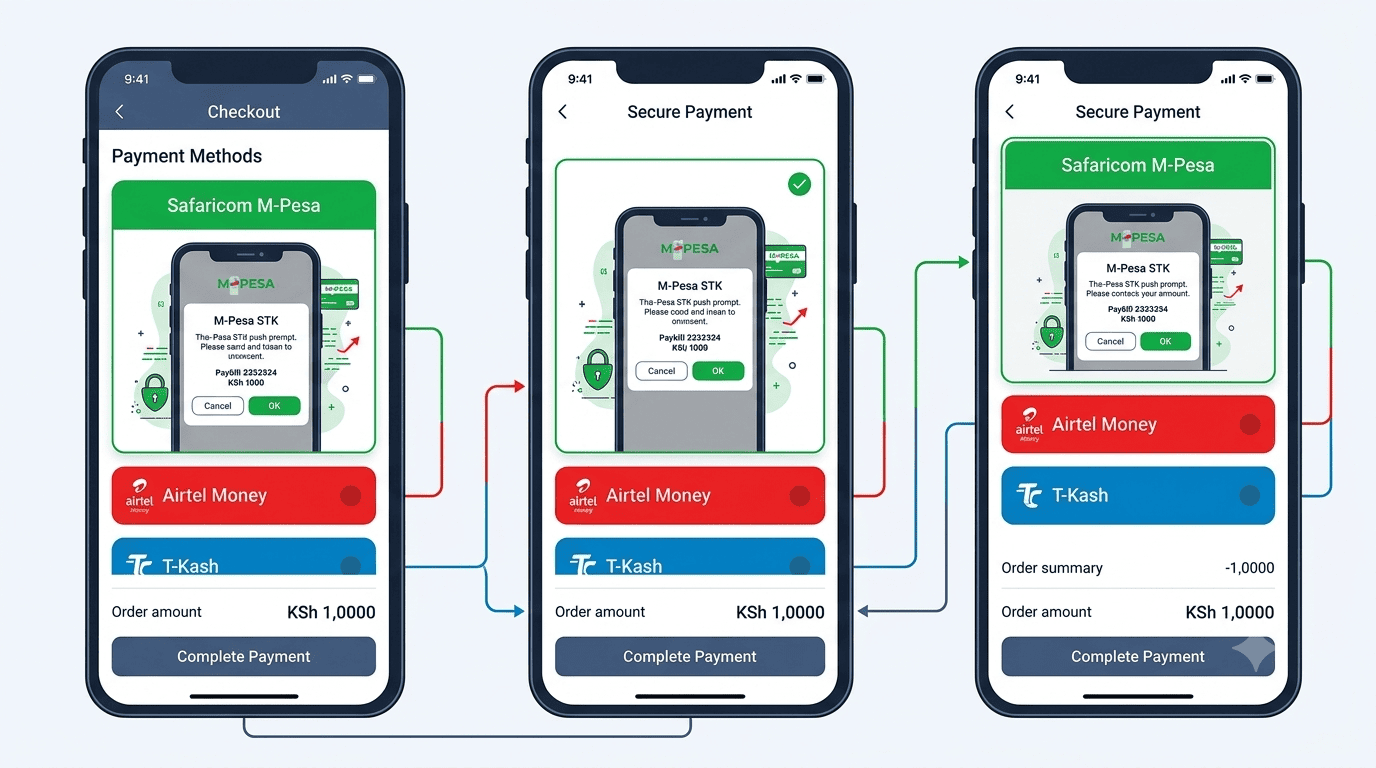
Your checkout proudly offers "M-Pesa STK Push." It works smoothly for Safaricom customers. But when an Airtel Money or Telkom T-Kash user lands on your site, they are stuck. They cannot pay.
You have just excluded a significant portion of the Kenyan mobile money market. A single-network payment strategy is a revenue leak. The solution is a multi-network mobile money checkout that seamlessly presents the right option based on the customer's carrier.
Single Network
- Only M-Pesa is accepted
- Airtel users are turned away
- T-Kash users cannot buy
- Revenue is left on the table
- Customers go to competitors
Multi-Network
- M-Pesa, Airtel, and T-Kash all accepted
- No customer is excluded
- Checkout detects the carrier
- Revenue capture is maximized
- You become the store that accepts all
Why multi-network matters
Airtel Money has a growing user base, especially in certain regions and among specific demographics. T-Kash, while smaller, still represents a customer segment. By only offering M-Pesa, you are turning away customers who prefer or only have access to these networks.
How to implement a multi-network checkout
Three steps to turn a single-lane checkout into a multi-lane highway.
Auto-detect the carrier
When the customer enters their phone number, your checkout detects the prefix: 07XX for Safaricom, 07XX for Airtel, 07XX for Telkom. It then dynamically displays the appropriate payment button: "Pay with M-Pesa," "Pay with Airtel Money," or "Pay with T-Kash."
The fallback If detection isn't possible, present three clear tabs so the customer can choose their network manually.Integrate the respective APIs
Safaricom's Daraja API handles M-Pesa STK Push. Airtel Money has its own merchant API for payment requests. T-Kash also offers an integration. Your developer connects all three to your checkout.
The user experience The user experience is identical: they click, they get a prompt, they enter a PIN, payment confirms. But the backend routes to the correct network.Unified dashboard reconciliation
Your Stonehenge Digital dashboard consolidates payments from all three networks into a single transaction list. Each payment is tagged with the network and the phone number.
The simplicity Reconciliation is unified. You don't need three separate reports. You see one clear view of all your mobile money revenue.The business case
One of our clients added Airtel Money as an option. The impact was immediate and measurable.
Revenue Unlocked
Within two months, Airtel payments accounted for 8% of their total mobile money revenue. This was revenue they were previously leaving on the table. The integration cost was modest, and the ongoing transaction fees are comparable to M-Pesa's.
A single-network checkout is a closed door for a significant part of the market. A multi-network checkout is an open door for everyone.
Integrate M-Pesa, Airtel Money, and T-Kash to capture every possible sale.
Ready to accept all mobile money?
Stonehenge Digital builds e-commerce platforms with multi-network payment integrations, automatic carrier detection, and unified dashboard reconciliation, so you never miss a sale.
Add Airtel Money & T-Kash to My Checkout →Interested in E-Commerce Website with M-Pesa?
Let's build this for your business
Sell to any Kenyan with a phone. Full online shop with Safaricom STK Push payment — no card needed.