The Vanishing Prompt
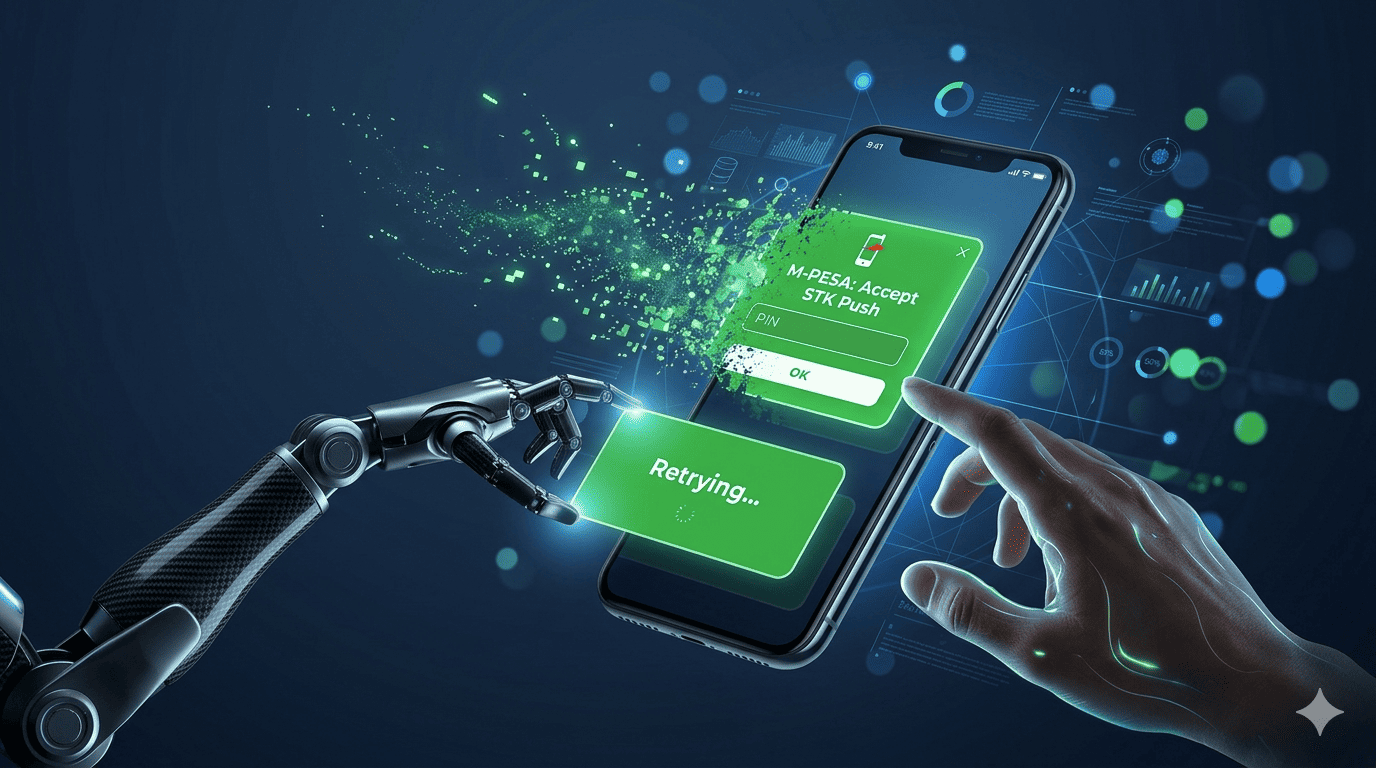
You've done the hard work. The customer is on your checkout page. They enter their Safaricom number. They click "Lipa Na M-Pesa." Your system sends the STK Push request to Safaricom's API... and then nothing. Or worse, the customer gets distracted, the prompt expires, and the order sits in "Pending Payment" limbo forever.
This is the STK Push Timeout. It affects an estimated 25-35% of all mobile money checkouts in Kenya. At Stonehenge Digital, we've engineered specific countermeasures to plug this revenue leak. Here is the technical deep dive on how we keep the money flowing.
Why STK Pushes Fail (The Technical Truth)
- Network Latency: The user is in a basement parking lot. The 4G signal is weak. The push request times out before reaching Safaricom's servers.
- User Device Overload: The user has 50 apps open. The phone OS delays or kills the M-Pesa pop-up process to save memory.
- The "Fuliza" Interrupt: An SMS from Safaricom about a due loan arrives exactly as the STK push appears. The user swipes the STK prompt away to read the SMS and forgets to come back.
- API Queueing at Safaricom: During peak hours (evenings, month-end), Safaricom's STK gateway can throttle requests or take 10+ seconds to respond. Your user has already closed the tab.
The Stonehenge Digital Resilience Stack
We cannot control Safaricom's network or the user's phone. But we can control how our application behaves when things go wrong.
1. The "Still There?" Polling Loop (Client-Side)
After sending the STK request, we don't just show a spinner and hope. Our checkout page actively polls our server every 3 seconds for 60 seconds asking: "Did this payment go through?" If it did, the page automatically redirects to the "Thank You / Download" page. The user doesn't have to click anything.
2. The Automated Retry (Server-Side)
If the first STK push fails with a specific error code (e.g., "Request Timeout" or "Queue Timeout"), our system waits 15 seconds and automatically attempts a second push. Note: We only retry ONCE to avoid spamming the customer.
3. The "SMS Fallback" (The Recovery Funnel)
This is the secret weapon. If both the initial push and the retry fail, the system captures the customer's M-Pesa number and order details. It then triggers an automated SMS (via Africa's Talking) 10 minutes later:
"Sorry! The M-Pesa prompt for Order #123 failed. Tap here to try again in one click: [Unique Recovery Link]."
The link takes them back to a special page that ONLY shows the STK push button. No distractions. The recovery rate on this SMS is over 60%.
4. The Manual Fallback Dashboard (Admin View)
For high-value orders (over KES 10,000), our client dashboard flags "STK Failed - Manual Follow Up." The merchant can then personally WhatsApp the customer with the recovery link. This personal touch saves the big-ticket sales.
Don't Accept "Network Issues" as an Excuse
Technology exists to work around the imperfect Kenyan infrastructure. If your e-commerce site isn't implementing these retry and recovery mechanisms, you are silently losing 1 in 4 sales.
Interested in E-Commerce Website with M-Pesa?
Let's build this for your business
Sell to any Kenyan with a phone. Full online shop with Safaricom STK Push payment — no card needed.