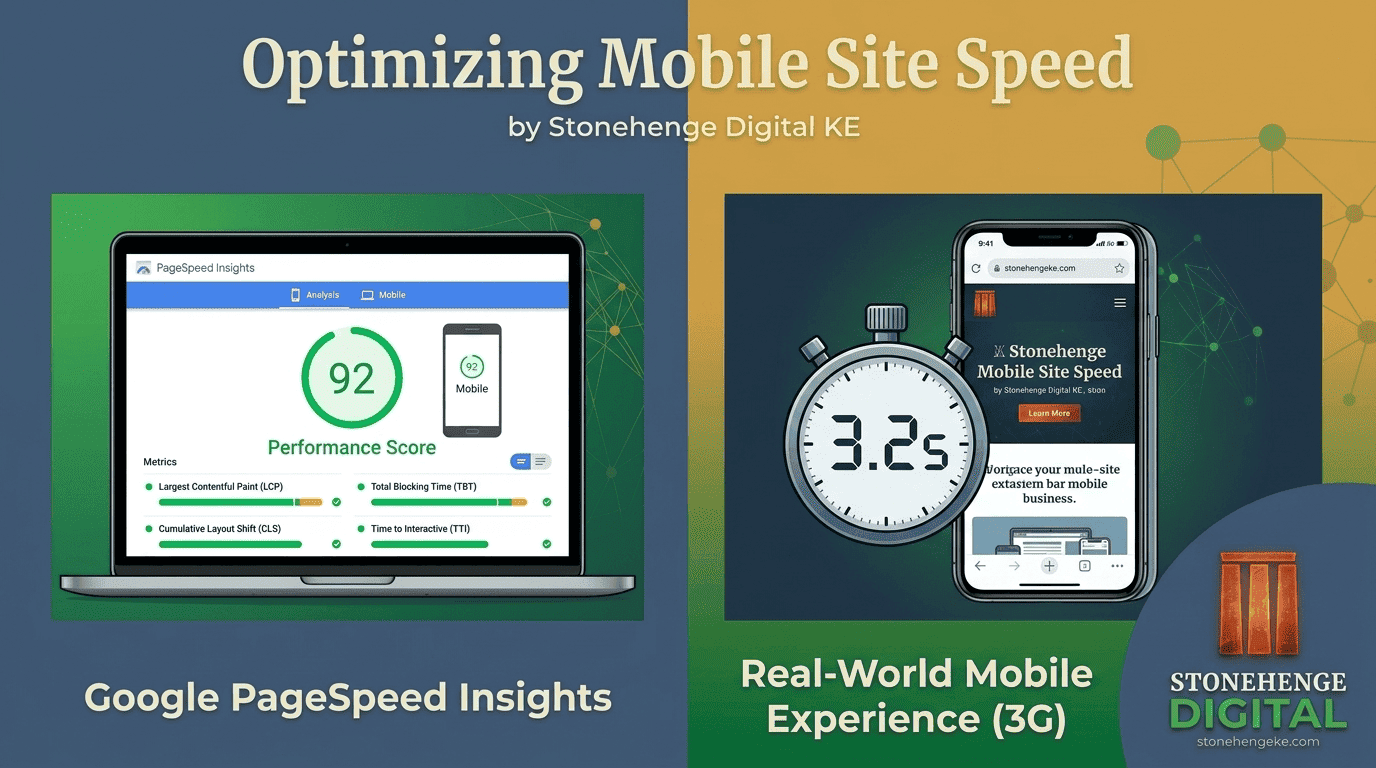
The 9 Second Rule Revisited
If your website takes more than 9 seconds to load on mobile 3G, you lose procurement officers and customers. But how do you actually test this, and how do you fix it without paying a developer?
This tutorial shows you how to test properly, identify the real culprits and fix them yourself. Speed is not a one time setting. It is a discipline with a clear starting point.
Step 1: Run the tests
Three free tools are enough. Run all three, since each one surfaces something slightly different.
Google PageSpeed Insights
- Go to
pagespeed.web.dev. - Enter your website URL.
- Click analyze.
- Review the mobile score first, because that is the one that matters most.
GTmetrix
- Go to
gtmetrix.com. - Enter your URL.
- Under settings, change the connection to slow 3G and the location to Johannesburg, the closest test point to Kenya.
- Click test.
Chrome DevTools, for the curious
- Open your site in Google Chrome.
- Press
F12to open DevTools. - Click the network tab.
- Look at the load time at the bottom of the panel.
Where your number falls
Step 2: Identify the culprits
After running the tests, you will likely find a few common problems. Here is how to fix each one yourself.
Huge images
- Use TinyPNG or Squoosh, both free tools.
- Convert JPEGs to WebP, which is roughly 30 percent smaller at the same quality.
- Resize images to the actual display size. If a product image shows at 500 pixels wide, do not upload a 3000 pixel file.
Too many plugins or scripts
- On WordPress, open the plugins screen and deactivate then delete anything you are not actively using.
- Remove social media sharing plugins, which load heavy scripts. Use simple share links instead.
- Remove animation plugins. They look impressive for three seconds and slow your site for every visitor.
No caching
- On WordPress, install a caching plugin such as WP Super Cache or W3 Total Cache.
- If you are on Stonehenge Digital hosting, caching is already enabled for you.
- On other hosts, ask whether server level caching can be switched on.
Slow hosting
- Cheap shared hosting on a server far from Kenya is the single biggest cause of slow Kenyan websites.
- Look for hosts with servers in Nairobi or Johannesburg.
- A content delivery network such as Cloudflare helps, but it cannot fully rescue a badly located server.
Render blocking JavaScript
- Move non essential JavaScript to the footer of the page.
- Use defer or async attributes so scripts stop holding up the visible page.
- If this is too technical, hand the finding to a developer rather than guessing.
Step 3: Re-test and verify
What a real improvement looks like
Run the same tests again and compare the same numbers. If nothing improved, you fixed the wrong thing. Focus on the biggest culprits first, which are usually images and hosting.
Step 4: Test on a real 3G phone
Borrow a phone and count out loud
- Borrow a budget Android phone, not the newest device in the office.
- Turn WiFi off completely.
- Load your site on mobile data.
- Count the seconds until the page is fully usable, not just until text appears.
Under 5 seconds before the page is usable on real mobile data.
Over 5 seconds, or the page shifts and jumps while loading.
Speed is a habit, not a task
Speed is not a one time fix. It is an ongoing discipline. Every new image, plugin or campaign landing page can quietly undo the work you just did. But the first improvement is usually the biggest, and it is worth doing before anything else.
- Compress every image before it is uploaded
- Keep the plugin list short and reviewed quarterly
- Re-run the tests whenever a major change is published
- Keep the 3G phone test as the final check before launch
- Record the score, so the next change can be compared against it
Nine seconds is the limit. Measure it with three free tools, fix images, plugins and hosting first, then verify on a real 3G phone.
Most slow Kenyan websites are slow for the same three reasons. That is good news, because all three are fixable this week.
Want a professional speed audit?
Stonehenge Digital can measure your site on real 3G conditions, identify what is actually holding it back and fix it without adding unnecessary complexity.
Get a Professional Speed Audit →Interested in Portfolio & Organisational Website?
Let's build this for your business
A professional, mobile-first website that makes your business look credible and gets found on Google.