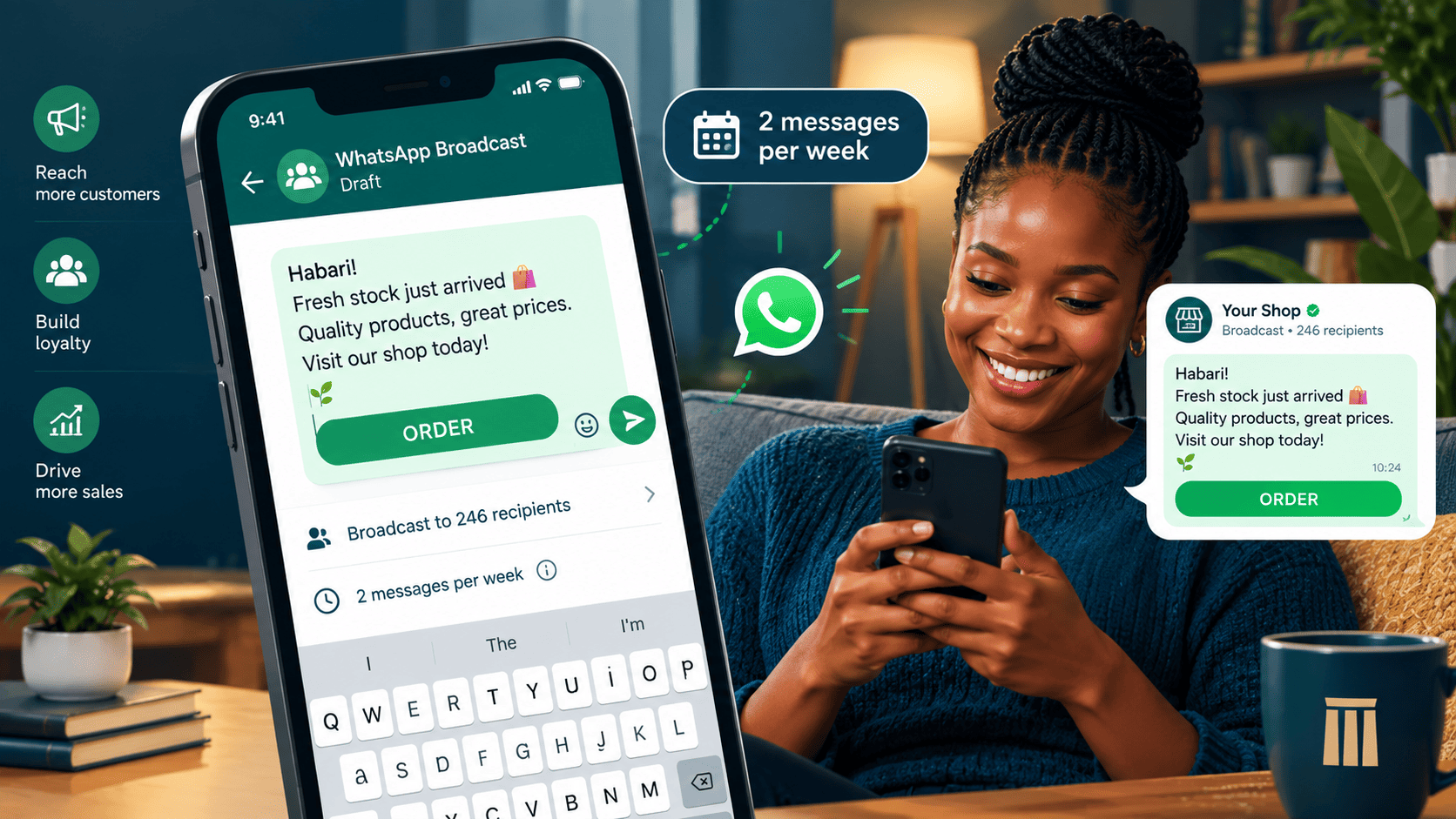
The Power and Peril of WhatsApp Broadcast
WhatsApp is the most used messaging platform in Kenya. A well managed broadcast list can be a direct line to your customers, driving repeat sales and loyalty. A poorly managed one will get you blocked.
This tutorial shows you how to build and use a WhatsApp broadcast list ethically and effectively.
Step 1: Understand the difference between a broadcast list and a group
These two features look similar and behave very differently. For business marketing, the choice is not close.
Everyone sees every reply
- Every member can read every response
- Good for communities and discussion
- Bad for promotions and announcements
- Too much noise, too fast
Each recipient gets a private message
- Replies come only to you
- Built for one to many communication
- No cross talk between customers
- Better for offers and reminders
Step 2: Get permission. This is the golden rule
Never add someone to your broadcast list without their consent. This is the fastest way to get blocked and reported.
Step 3: Set up the broadcast list
Five taps, one list
- Open WhatsApp.
- Tap "New Broadcast" on Android, or "Broadcast Lists" on iPhone.
- Create a new list, for example "Customers Nairobi".
- Add contacts who have given permission.
- Tap "Create".
Important: only contacts who have saved your number will receive your broadcast. If they have not saved you, the message will not arrive. Always encourage people to save your business number.
Step 4: Define your messaging rules
Decide these before you send a single message. Consistency is what keeps people on the list.
Frequency
Maximum 2 to 3 messages per week. More than that feels spammy.
Value
Every message must offer something: a discount, a new product, a useful tip or a timely reminder.
Length
Keep it short. 3 to 5 sentences. Use bullet points if needed.
Tone
Friendly and conversational. Not corporate.
Opt out
Always include a way to leave: "Reply STOP to unsubscribe."
Step 5: Write messages that convert
Four templates you can adapt today. Keep the structure, change the details.
The new arrival
The flash sale
The reorder reminder
The useful tip
Step 6: Segment your list
Do not send the same message to everyone. Separate lists increase relevance and reduce unsubscribes.
- Nairobi customers For delivery specific offers and same day options.
- Upcountry customers For pickup point updates and regional timing.
- VIP customers For exclusive early access to sales and new stock.
- Lapsed customers For win back offers and a gentle check in.
Step 7: Monitor and respond
A broadcast is the start of a conversation, not the end of one.
Three numbers that tell you the truth
Step 8: The "do not get blocked" rules
These are not suggestions. They are the difference between a channel that grows and one that quietly dies.
Five rules to keep the list alive
- Never add someone without permission.
- Never send more than 3 messages per week.
- Never send irrelevant messages. If it does not benefit the customer, do not send it.
- Always honour "STOP" requests immediately.
- Never forward chain messages or memes.
The long term play
A well managed WhatsApp broadcast list is a permission based, direct marketing channel. It is an asset you own, unlike social media followers who may never see your posts again.
Treat it with respect, and it will drive repeat sales for years.
Want this set up properly?
Stonehenge Digital can help you connect your store, your payment flow and your WhatsApp follow up so the whole customer journey holds together.
Set Up My WhatsApp Marketing →Interested in E-Commerce Website with M-Pesa?
Let's build this for your business
Sell to any Kenyan with a phone. Full online shop with Safaricom STK Push payment — no card needed.